Pocket × Administy integration

You talk. A specific follow-up is ready moments later.

Pocket listens, Administy organises. The conversation lands in the CRM as a summary on the deal, and AI uses your templates to build an email that hits the mark. No notes scribbled on your knee. No emails put off until the evening.

Full API integrationSummary on the deal in the CRMYour templates + AI

Affiliate link. Purchase from the manufacturer.
app.administy.pl/crm/pipeline
EveryoneAKAnna KowalMNMarek NowickiELEwa LisNeeds attention 4
Pipeline
131,800 PLN
Open
5
Win rate
50%
Contact227,800 PLN
Quick deal
Financial audit
OPTIVA CONSULTING Sp. z o.o.Piotr Zając
MED40%
AKAnna18,000 PLN
IT subscription
RIVO STUDIO Sp. z o.o.Jan Wit
MED20%
ELEwa9,800 PLN
Meeting269,000 PLN
Quick deal
KSeF implementation
MOSTEK TRANS Sp. z o.o.Agata Bąk
MED20%
MNMarek21,000 PLN
Biuro Projektowe Linia
BIURO PROJEKTOWE LINIA Sp. z o.o.Tomasz Lewandowski
MED20%
ELEwa48,000 PLN
Offer135,000 PLN
Quick deal
Rebranding + brand book
KANCELARIA LEXMonika Sowa
MED5%
MNAKMarek + Anna35,000 PLN
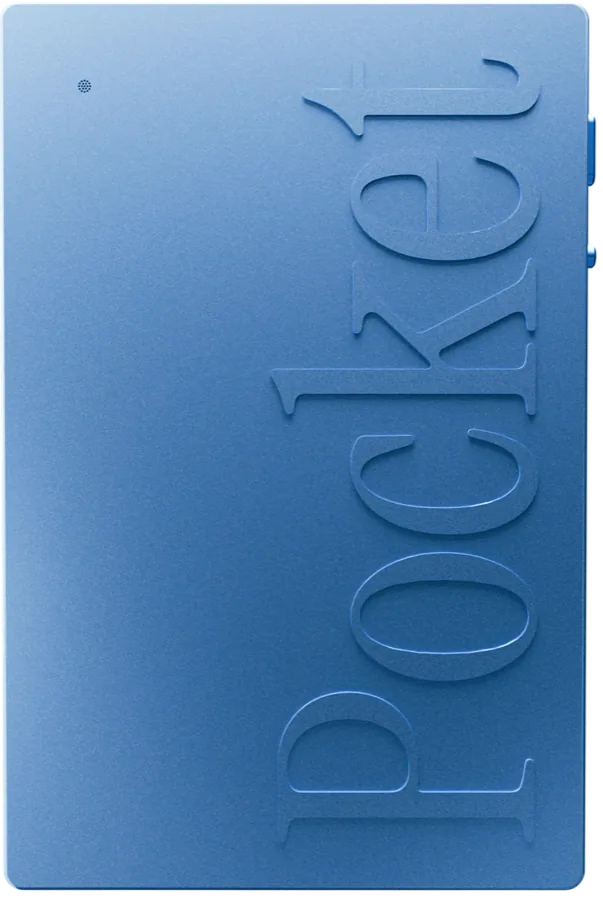
Pocket device for recording conversations, front view
What happens after the conversation

The best agreements get lost between the conversation and the email.

The conversation went well. What comes after is harder: writing it down, finding it again, writing the email.

Notes taken on the go

You take notes and lose focus. You don’t, and an hour later you remember only the general gist.

The follow-up slips to tomorrow

Another meeting, a phone call, the inbox. The email waits, and the client waits with it.

Agreements in several places

Notebook, phone, mail, CRM. You piece the history of the deal together from scratch.

Every email sounds different

Sometimes specific, sometimes vague. It depends on the day and on who is writing.

How it works

Six steps from conversation to email.

From the first word to an email in the client’s inbox. No retyping, no hunting for notes, no writing from scratch.

  1. Step 1

    You talk to the client

    A meeting or a phone call. You focus on the client, not on notes.

  2. Step 2

    Pocket records the conversation

    The recording reaches Administy through a full API integration.

  3. Step 3

    Administy creates a summary

    The recording lands as a summary: all agreements in one place.

  4. Step 4

    You attach it to the deal in the CRM

    The conversation history sits with the right deal, next to the rest of the sales data.

  5. Step 5

    Template + AI compose the message

    You complete the summary with templates from Administy. AI joins it all into a logical thread and picks the right form.

  6. Step 6

    The client receives a specific email

    Moments later you have a specific message based on what was said in the conversation.

What you gain

Less retyping. A faster follow-up.

  • You save timeNo retyping notes and no writing from scratch. You start from a summary and a template.
  • Nothing gets lostAgreements are attached to the deal. You come back and know straight away what was said.
  • A faster follow-upThe email is ready moments later, not in the evening. You reply while the conversation is still fresh.
  • Consistent communicationTemplates keep the form, AI keeps the logic of the thread. Every email sounds like your company.

The last piece is Pocket.

The rest is in Administy. Through our link you pay 10% less.

Buy Pocket with a 10% discountAffiliate link. Purchase from the manufacturer.
Example

This is how a conversation turns into a message.

An example on fictitious data: a summary on the deal and an email built from it and a template.

Conversation summary

Deal: System implementation · Przykładowa Firma sp. z o.o.

  • The client wants to stop chasing payments by hand.
  • Decision by the management after a short demo.
  • Offer by Friday, meeting next week.

The data in the example is fictitious.

Meet Pocket

A small device that hears everything that matters.

A thin card attached to your phone. It records meetings and phone calls, and Administy does the rest.

Pocket from the front with labelled features: LED, MagSafe, microphones, record button and mode switch
1Status LEDYou see at once that it is recording and how much battery is left.
2MagSafeYou attach it magnetically to your phone and always have it with you.
3Studio and contact microphonesThey pick up every word: at the table, in a meeting room and in a private conversation.
4One-click recordingClick and you are recording. No agreement slips away.
5Mode switchA live meeting or a phone call. In call mode it records with the contact microphone, without the speaker.
  1. 1Status LEDYou see at once that it is recording and how much battery is left.
  2. 2MagSafeYou attach it magnetically to your phone and always have it with you.
  3. 3Studio and contact microphonesThey pick up every word: at the table, in a meeting room and in a private conversation.
  4. 4One-click recordingClick and you are recording. No agreement slips away.
  5. 5Mode switchA live meeting or a phone call. In call mode it records with the contact microphone, without the speaker.
languages
120+
of on-device storage
64 GB
recording range
up to 15 m
of battery life
4 days
Pocket referral programme

Pocket 10% cheaper through our link.

The integration works with the Pocket device. Don’t have one yet? Take it out of the box, attach it to your phone and record from your very first conversation.

  • Records meetings at the table and phone calls, without turning on the speaker
  • Recordings go straight to Administy via the API
  • 10% off Pocket through our link
  • Buy directly from the manufacturer

Works with iPhone and AndroidPocket connects to your phone through the Pocket app from the App Store or Google Play.

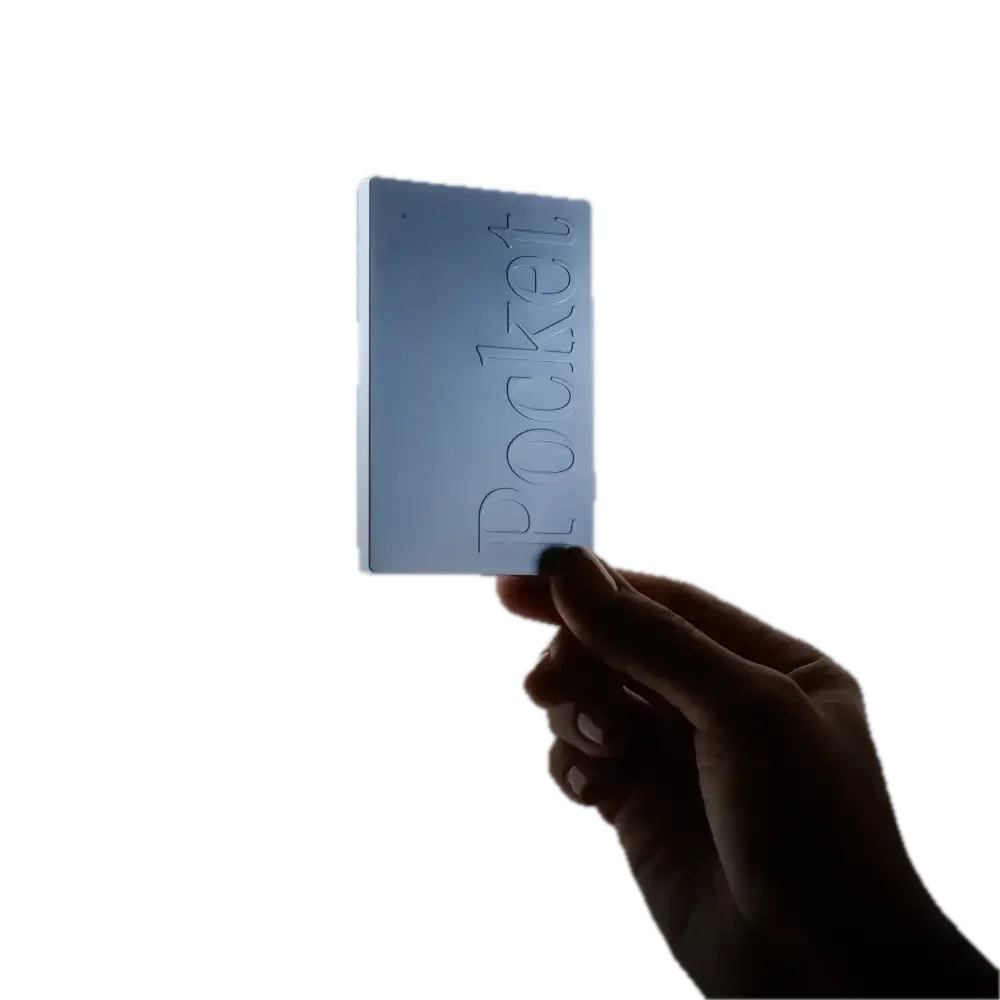
A hand holding the Pocket device for recording conversations
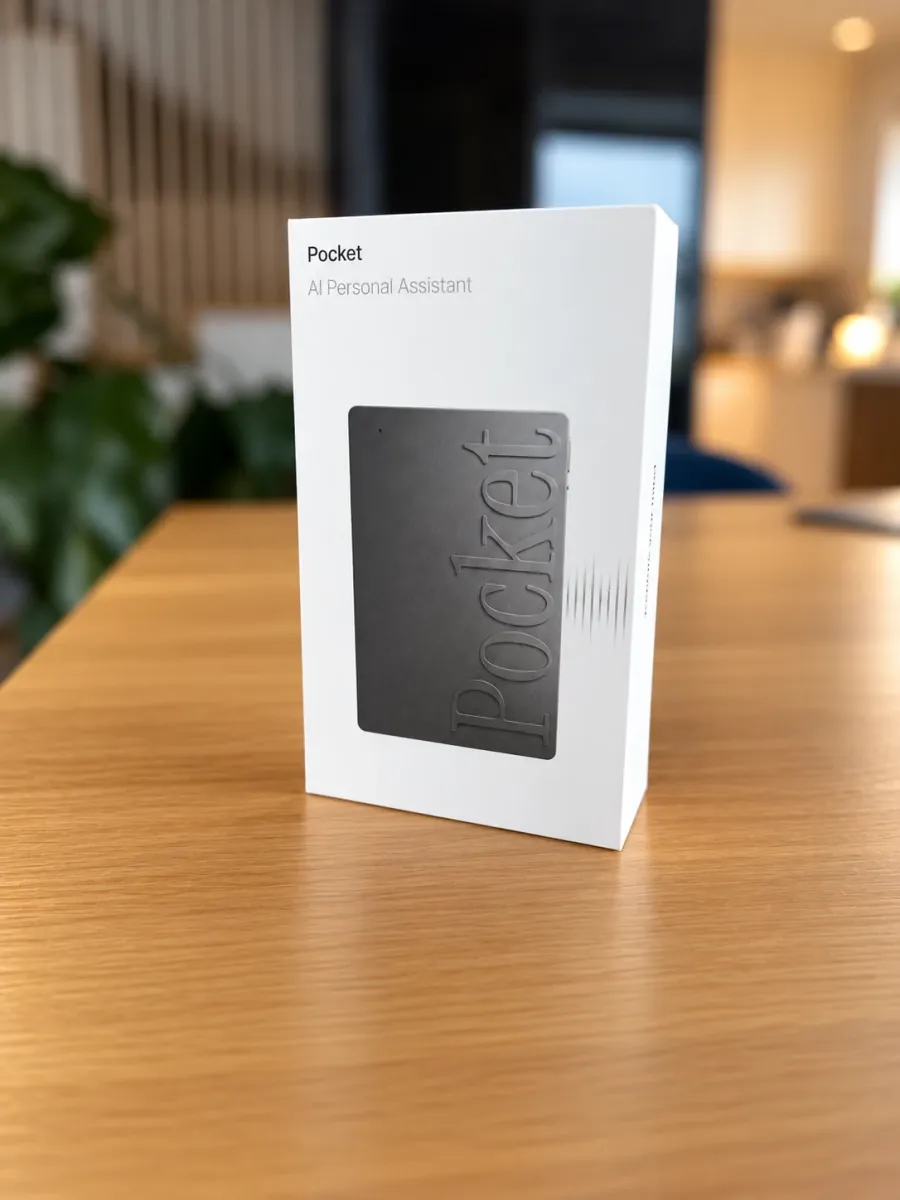
Pocket in its box on a wooden desk in an office
FAQ

Questions about the Pocket integration.

Do I need a Pocket device?

Yes, the integration brings Pocket recordings into Administy. You can buy the device through our affiliate link with a 10% discount.

How do recordings reach Administy?

Through a full API integration with Pocket. The recording appears in Administy as a summary.

What can I do with the summary?

Attach it to a deal in the CRM and turn it into an email to the client.

Does the email use my templates?

Yes. You complete the summary with templates from Administy, and AI joins it all into a logical thread and picks the right form.

How does the 10% discount work?

You buy Pocket through the link on this page and get a 10% discount. The purchase is made from the manufacturer, on its terms.

Does Administy sell Pocket?

No. Pocket is a product of an independent manufacturer, and the link on this page is an affiliate link.

Pocket integration

See how a conversation turns into an email.

We will show you live how a conversation with a client turns into a summary on the deal and a ready email within moments.

API integrationSummaries in the CRMTemplates + AI

Don’t have Pocket yet?

Buy Pocket with a 10% discountAffiliate link. Purchase from the manufacturer.