Table of contents7 sections
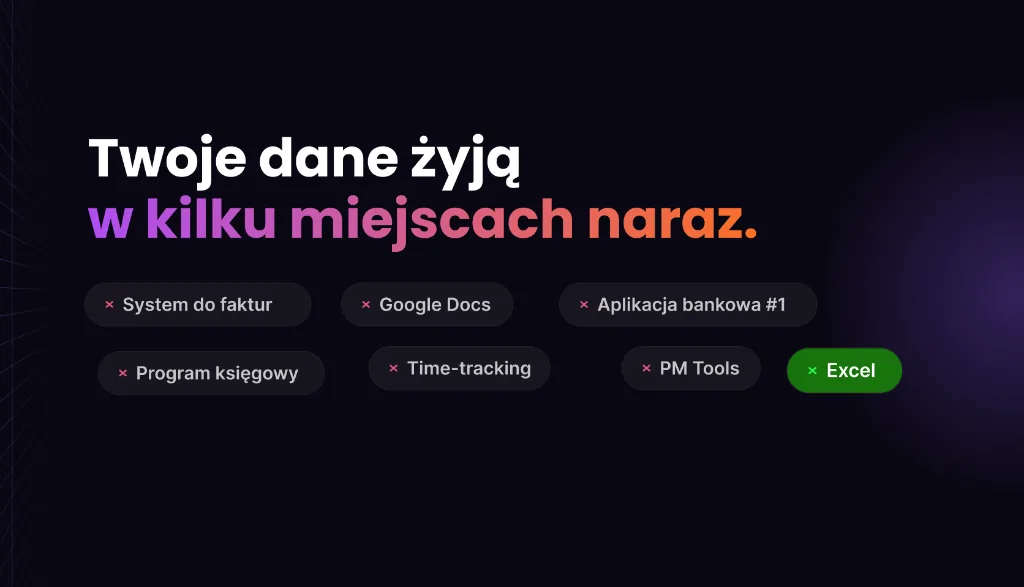
With several projects running at the same time, it is easy to lose the full picture of their financial position. That is because some of the information sits in the invoicing system, the specialists’ working time in the project management tool, costs in the accounting system, payments in the bank account, and the budget in the project spreadsheet. Progress of the work is somewhere else again.
Each of these pieces of information may be up to date on its own; the problem appears when nobody sees them together. As a result, a project can gradually exceed its budget for several weeks, and the company finds out only after it ends, when all the invoices, hours and costs are collected in one statement.
So the question we can ask is: could this have been seen earlier?
A project budget is not just invoices
One of the most common mistakes in project control is looking only at invoices issued and received. But invoices do not show everything.
Imagine a project that at first glance still fits within its budget. No large cost invoice has appeared yet, and the client pays regularly. At the same time, the team has already used far more hours than assumed.
A specialist who was supposed to work on the project for 60 hours has worked 90 hours. An additional person has been brought in, and the deadline has slipped by two weeks.
In the invoicing system everything may look fine, while in reality the cost of the project has already changed.
That is why, to assess a budget, we need a broader picture.
What really shows the health of a project
To answer the question of whether a project is still being delivered as planned, it is worth watching several elements at the same time.
- The project budget shows the starting point and how much we planned to spend on delivery.
- The actual cost shows how much the project has already cost the company, based not only on invoices but also on the working time of the specialists involved.
- Project progress lets you assess whether the use of the budget is proportionate to the work done. If we have used 80% of the costs and completed only half of the project, a warning signal should appear.
- The cost to complete answers the question of how much more must be spent to finish the remaining scope.
- Planned and current margin show whether the original financial assumptions are still valid.
- Invoices issued and paid let you check not only how much revenue has already been billed, but above all how much money has actually come in.
- The cash gap, in turn, shows whether the company will have to finance further delivery of the project from its own funds before it receives the next payments from the client.
Putting this data together gives a complete and true picture of the situation.
The problem starts when the data only meets at the end
In some companies all the information about a project is brought together just before it ends or only after it has finished, but that is definitely too late. A situation then arises in which the planned margin was 30% and the actual one turns out to be much lower.
A project that was meant to fit within a set budget swallowed several dozen additional hours of work. The problem is not that the company does not have the data, but that the data was not available together at the moment when a decision could still be taken.
One view instead of several sources
With a larger number of projects, combining data by hand quickly stops being efficient. A manager should not have to open the budget spreadsheet, the invoicing system, the time tracking tool, online banking and the project system every day to work out which of ten projects needs attention.
What is needed is a single view in which you can compare projects and immediately see the most important deviations.
For example:
- which project has already used most of its budget,
- where the actual cost of labour is rising,
- in which project the assumed margin is falling,
- how many invoices have been issued and paid,
- how much it will still cost to finish delivery,
- where a cash gap appears or may appear.
This way the analysis does not start with hunting for data, but with the answer to the question: which project needs my attention now?
Up-to-date data makes it possible to react
Merely detecting a budget overrun after the project has ended has limited value. We can draw conclusions for the future, but we can no longer change the result of that particular project.
If, on the other hand, we see the problem during delivery, we can still react. We can review the remaining scope, limit additional work, change the team’s involvement, talk to the client about extending the budget, or plan the next stages differently.
That is why the value of ongoing project control lies not only in more precise reporting. Above all, it lies in being able to take decisions before the deviation becomes the final result of the project.
Administy brings project data together in one view
In Administy, a project’s financial data does not have to be analysed separately.
In one place you can put together the budget, actual costs, the specialists’ working time, delivery progress, invoices issued and paid, the cost to complete, the margin and the cash gap.
This way you can compare projects on an ongoing basis and notice earlier that one of them is starting to depart from the plan.
Because the most important question is not:
Which project has exceeded its budget?
It is:
Which project is heading for a budget overrun, and do you see it early enough to still react?
Do you want to see all the key financial data of your projects in one place? See how Administy does it.